AI Job Search Copilot
AI job search assistant to autofill job applications anywhere, resume builder, cover letter generation, ATS-friendly PDFs, write email responses, practice interview questions, and more.
How it Works
Preflight Checklist
Gear up to ensure you're all set for a successful job application journey.
Installation
Check Engines
Create your JobJette account, install the desktop extension, sign into JobJette GPT, and set up your profile to get started.
- Get Started.
- Sign up and become a job jet-setter.
- JobJette Extension.
- Install the desktop Chrome extension.
- JobJette GPT.
- Sign into the JobJette GPT for AI chats.
- Profile Setup.
- Set up your profile and craft your journey.
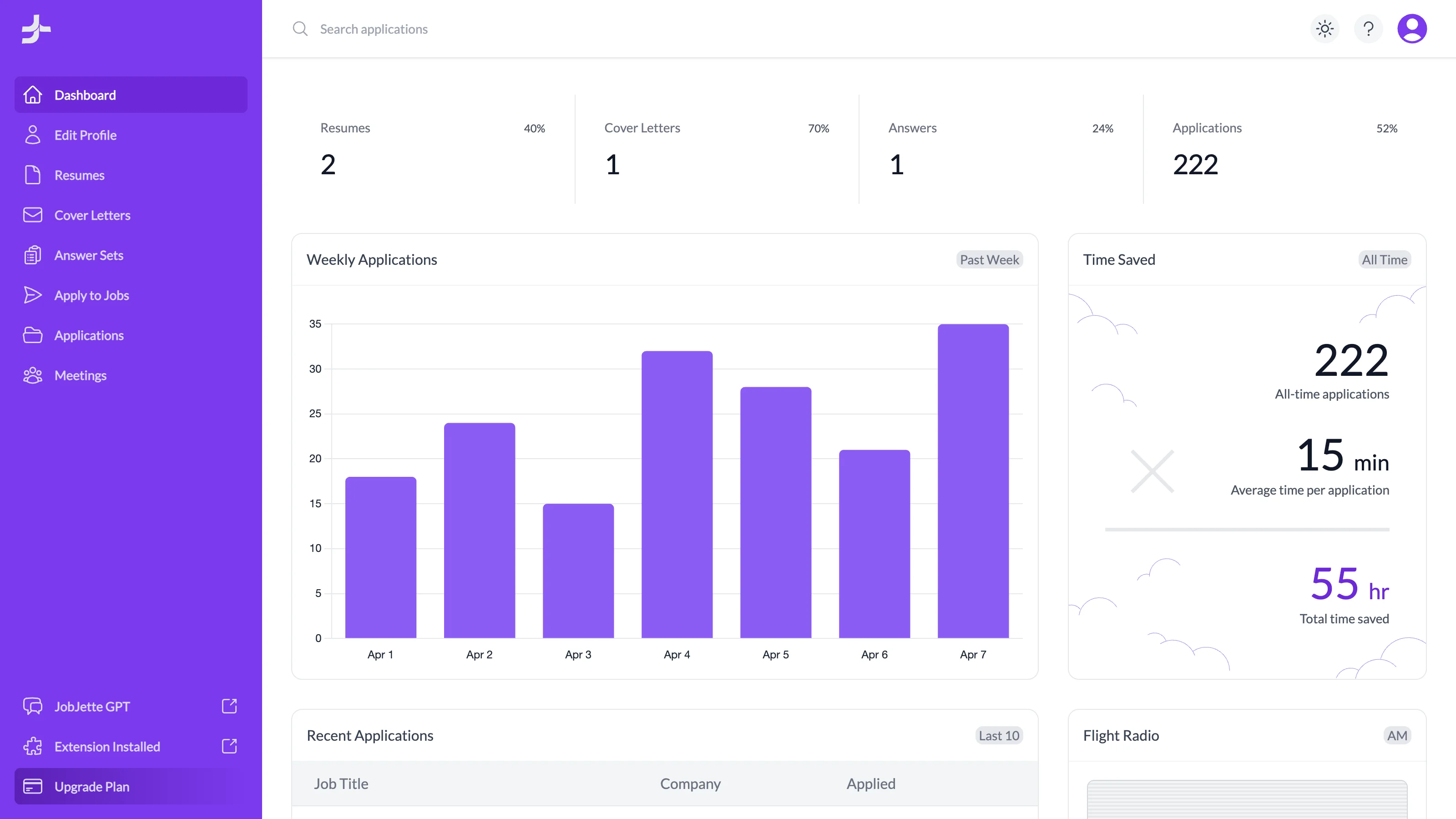
Preparation
Craft your Journey
Ensure your job hunt success with the help of AI and well-prepared resumes, cover letters, and answers.
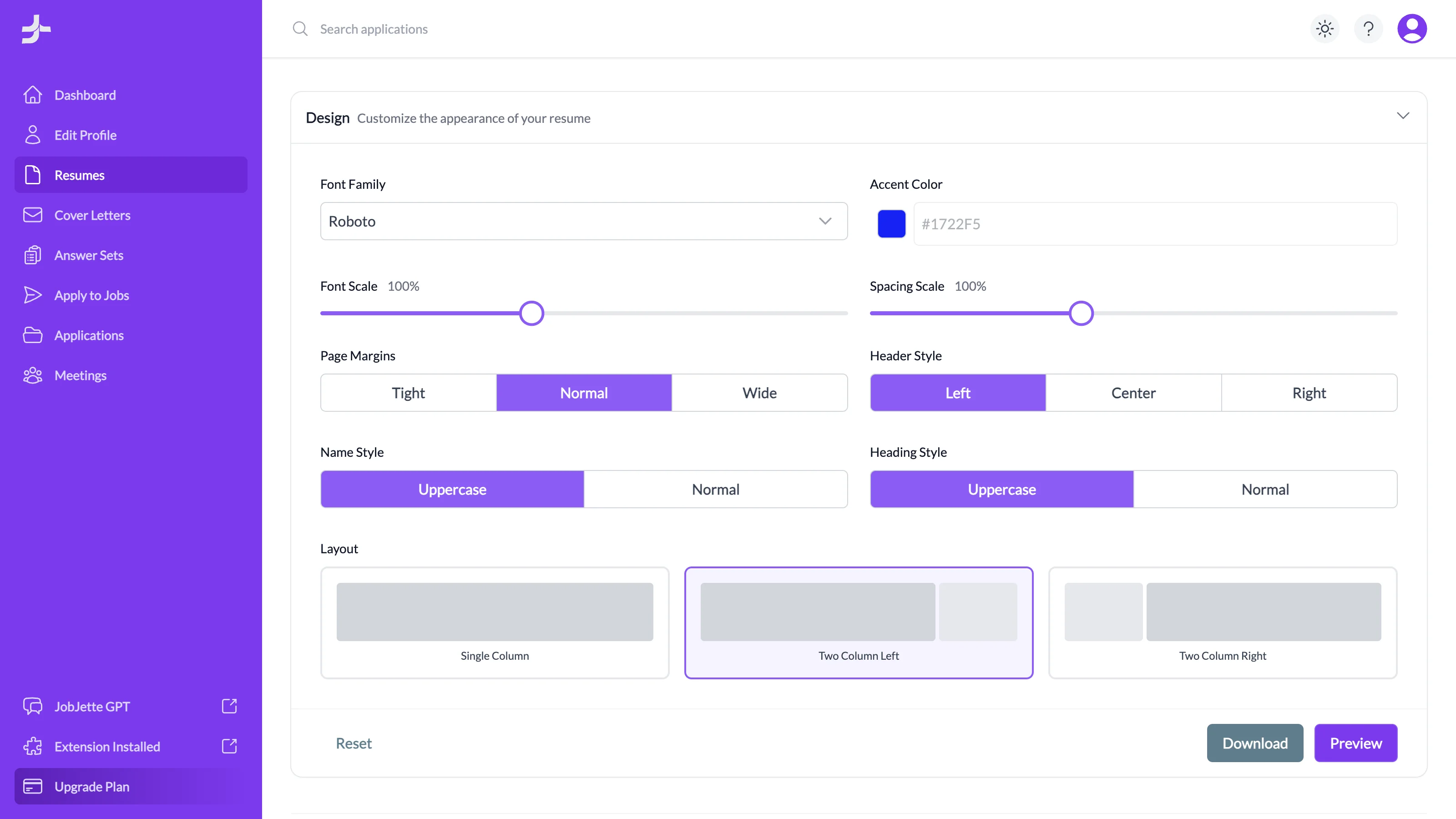
- Resumes.
- Tailor your resume to showcase your experience.
- Cover Letters.
- Write a unique message to communicate your goals.
- Answer Sets.
- Give answers to all those repetitive questions.
- Auto Apply.
- Then start autofilling your job applications.
Job Search Customizations
Navigate with Precision
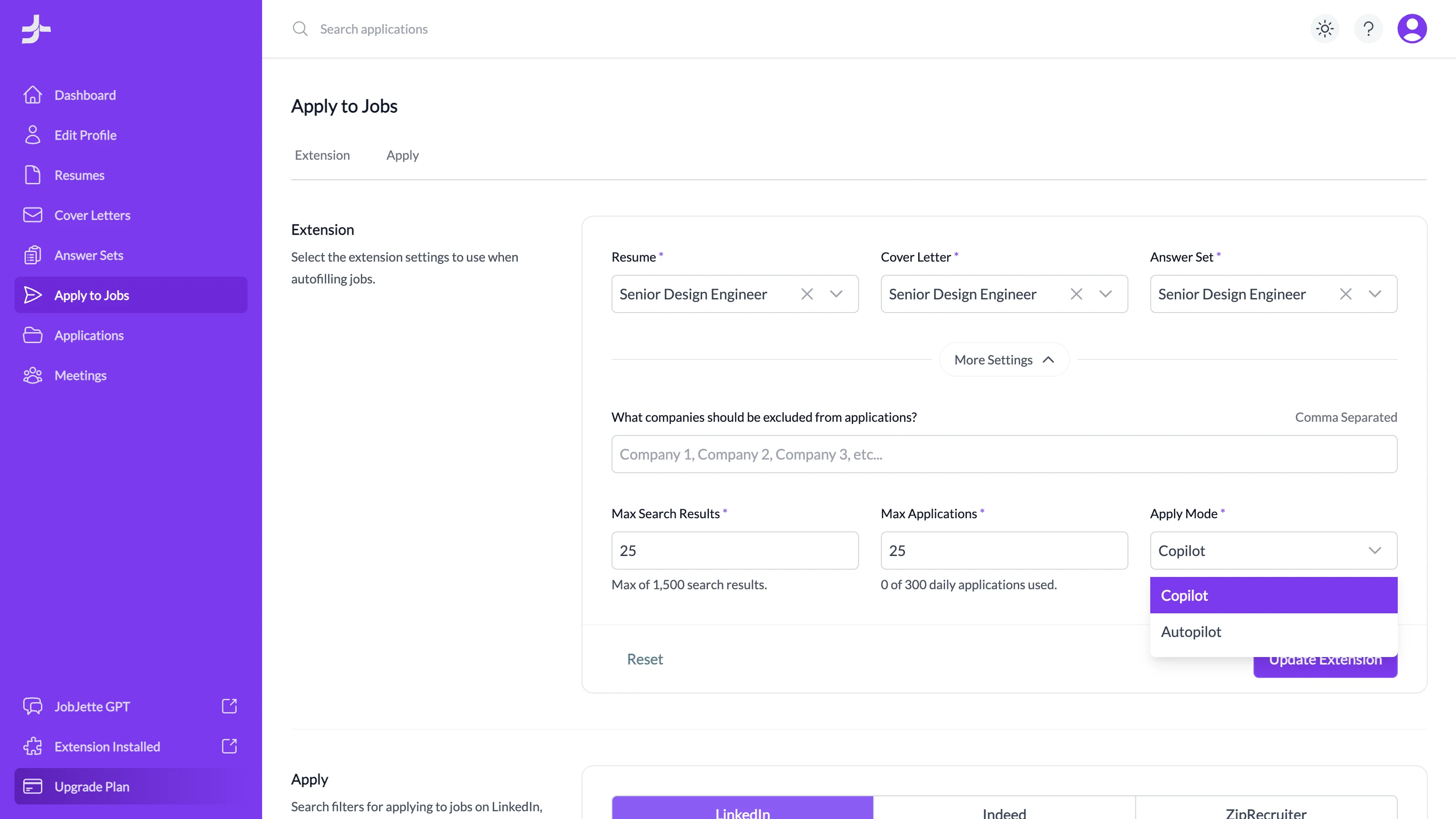
Select your extension settings and apply to jobs with autofill, Copilot, or Autopilot.
- Keywords & Salary.
- Utilize keyword searches and select a salary range to find jobs that align with your financial goals.
- Location Preferences.
- Find remote, hybrid, or onsite jobs and specify your desired work location for a more focused search.
- Job Type & Experience.
- Filter opportunities based on job type and experience level to find the right fit for your career.
- Sorting Options.
- Organize search results by most recent or relevant, and filter by jobs posted within the past 24 hours, week, or month.
- Resume Selection.
- Easily swap out different resumes, cover letters, and answer sets to use for each job application search.
- Search Limits.
- Set a maximum for search results and daily applications to manage your job hunt more efficiently.
Preflight Questions
To help ensure a smooth takeoff, let's try to answer any preflight questions you might still have.
- Can I try JobJette for free?
- Yes, our Freebird plan allows you to use the app as long as you would like at no cost.
- Can I switch plans at anytime?
- Yes, you can upgrade or downgrade your plan at any time to suit your job search.
- Do I need the JobJette extension?
- Yes, the JobJette extension is required to help autofill your job applications.
- Does the extension work on mobile?
- Extensions don't work on mobile, but you can use Chrome Remote Desktop to run the app from your phone.
- Do I need a LinkedIn, Indeed, or ZipRecruiter profile?
- No, JobJette works anywhere and doesn't require a LinkedIn, Indeed, or ZipRecruiter profile.
- Do I need an OpenAI account?
- No, but if you want to use the JobJette GPT you will also need a free OpenAI account.
- Is there a limit on job applications?
- Yes, your daily job application limit is dependent on whichever plan you select.
- What if it answers a question incorrectly?
- This can happen as we are in early stages of development, but improvements are made regularly.
- What if I run out of jobs to apply to?
- New jobs are posted online all the time, so it's a good idea to search daily for new opportunities.
Prepare for Takeoff
Become a job jet-setter and transform the way you find your next job.